
Questions to Ask an ERP Supplier During a Demo
Who this article is for
This article is for businesses that are looking for a new ERP system and have reached the stage of reviewing shortlisted suppliers through product demos.
The aim is not to find a “perfect” system. It is to identify the best fit for your business goals, processes and priorities.
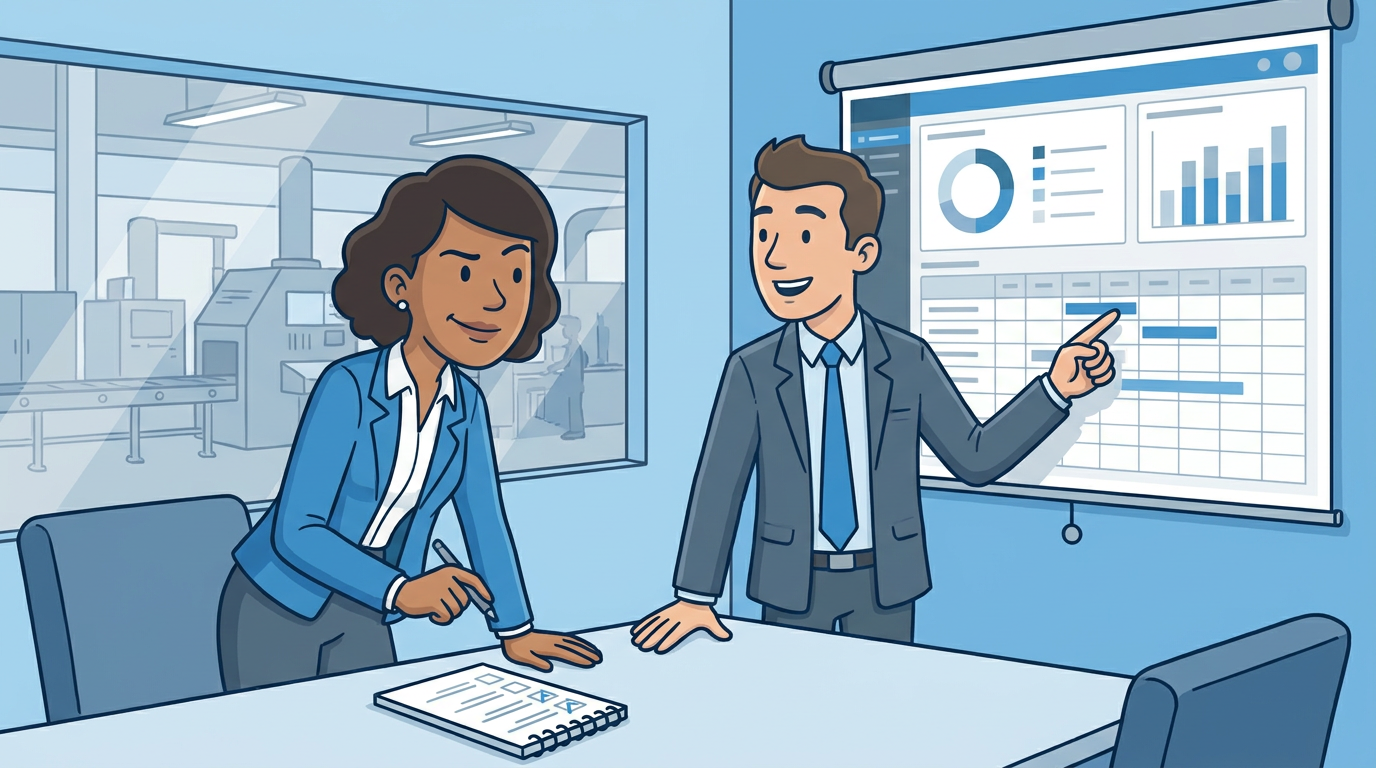
Prepare your problem scenarios before the demo
Before meeting suppliers, list the situations that currently cause problems in your business.
These may include processes that are slow, cumbersome or error-prone when managed through an existing ERP system, spreadsheets or whiteboards. Use these scenarios to guide the demo and ask suppliers to show exactly how their system would handle them.
Know the core features you want to see
Demos don’t have unlimited time, so it is useful to shortlist the functions of the ERP system you want to see in detail.
If you have never seen the software before, or are new to ERP systems, a general overview might be enough. Be clear about how the time should best be used. It is an effective way to get the most out of the software demo.
Ask about configuration and permissions
Find out how much you can configure the system without needing development work.
Ask about permission settings too. You need to understand whether the system can support the way different people and teams work, while keeping access appropriately controlled.
Be clear on customisation
Customisation should generally be a last resort.
While it can make a system fit a specific process, it can also make updates more difficult and expensive. Ask suppliers what can be achieved through configuration before considering bespoke changes.
Go in with an open mind
A new ERP system may require you to adapt some existing processes.
Rather than expecting the software to replicate everything exactly as it works today, assess the best mix of process changes and system configuration. Good ERP software should reflect proven ways of working, even if that means changing some internal habits.
Review the supplier’s update history
Ask how frequently the software is updated and what has changed recently.
Look at the supplier’s website or release notes to understand whether there is an active development programme. If updates appear infrequent, ask about future product plans and how they prioritise improvements.
Understand support and onboarding
Ask how support works once you become a customer, including response times, training and implementation support.
Also consider how much onboarding is required. A longer implementation may be appropriate for a more complex system, but it should match your business goals, available time and internal resources. Matching expectations at this stage is crucial for a happy outcome.
Ask how product feedback is handled
Find out whether customers can suggest improvements and how those suggestions are assessed.
Ask whether the supplier has a public roadmap, feedback process or customer advisory group. A supplier that listens to customers can be a better long-term partner.
Find out if you can get a free trial
Demos are good but testing the software yourself, with your own business data, is the best way to evaluate ERP systems.
When you see how the system will process your kind of BOMs, your kind of sales orders, your kind of stock replenishment needs… you’ll soon be able to work out if the software is a good fit for your needs.
Score suppliers against your criteria
Agree your evaluation criteria before the first demo.
This could include ease of use, configuration, support, onboarding time, update frequency, cost and how well the system addresses your key problem scenarios. Score each supplier consistently so you can compare options objectively.
The goal is to find the best option for your business—not an unrealistic perfect solution.
Have fun with your demos!