
MRP in Excel: Why Spreadsheets Break
Using Excel for Material Planning? You're Not Alone.
Many manufacturers start their MRP process in Excel. It seems flexible, familiar, and low cost. But as your business grows, spreadsheets become increasingly difficult to manage — and a source of errors, delays, and frustration.
What Does MRP in Excel Typically Look Like?
Most spreadsheet-based MRP systems include:
- Bills of materials (BOMs)
- Stock level tracking
- Demand planning sheets
- Purchase planning tabs
These are linked together with formulas, manual updates, and copy-paste workflows.
At a small scale, this can work. But it does not scale.
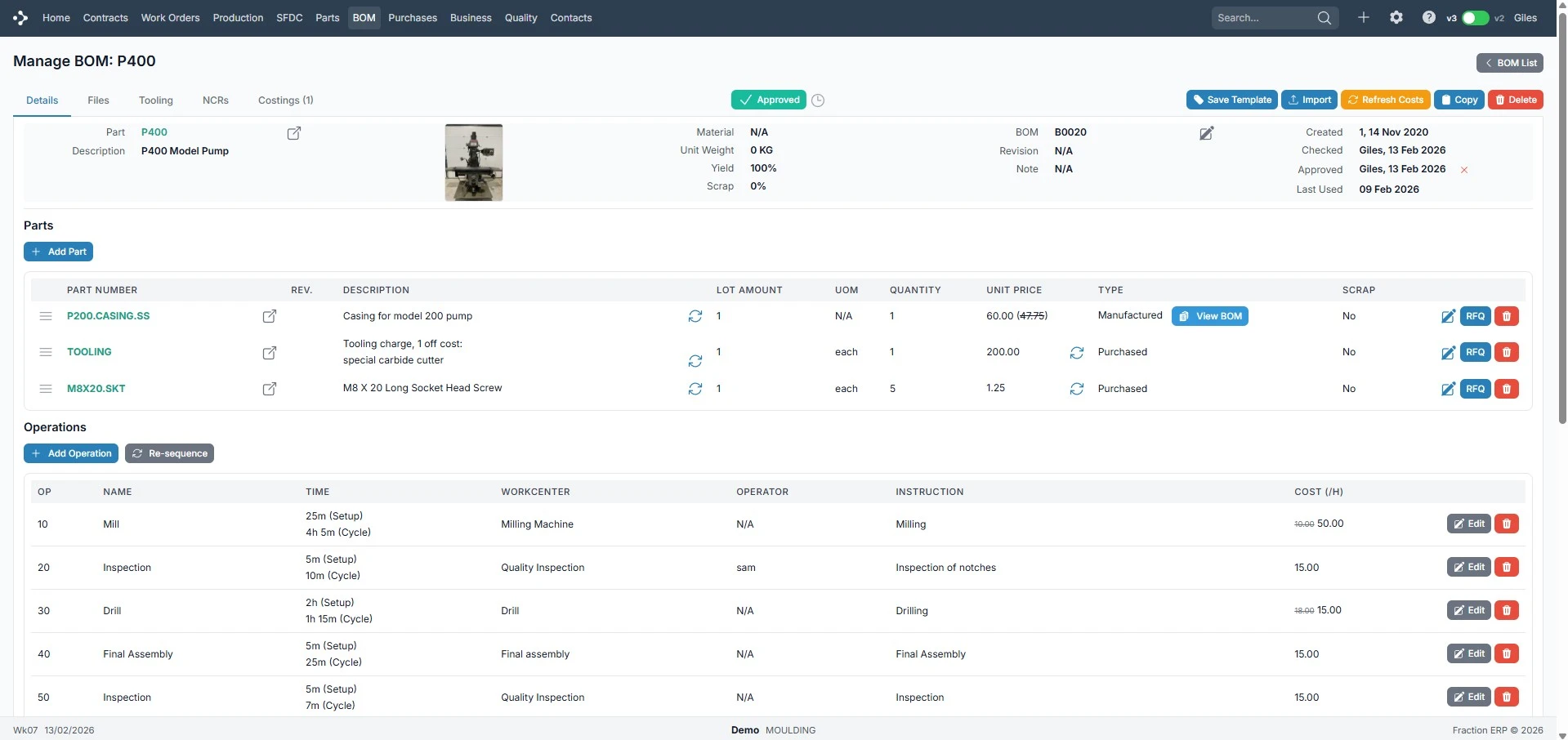
The Real Problems with MRP in Excel
Manual Data Entry
Every update requires human input. Sales orders, stock adjustments, and plans all updated manually — creating delays and errors.
No Real-Time Visibility
Spreadsheets are static. Data quickly becomes outdated, teams work from different versions, and there's no live view.
Errors Are Inevitable
Complex formulas, broken links, and incorrect calculations. Even small errors can have major operational impact.
No Connection to Production
Excel doesn't link to production schedules, shop floor activity, or actual progress — creating a disconnect between planning and reality.
Time-Consuming to Maintain
As complexity grows, spreadsheets become harder to manage. Changes take longer and only a few people understand the system.
You're Not the Only One
“We no longer struggle with spreadsheets since implementing Fraction ERP. We spend much less time on admin and chasing information.”
When Does Excel Stop Working?
MRP in Excel typically breaks when:
- Product ranges increase
- BOMs become multi-level
- Order volume grows
- Multiple people need access
- Real-time decisions are required
At this point, spreadsheets become a bottleneck — not a tool.
Not sure if you're ready to make the switch? Take our free 12-point Spreadsheet Readiness Checklist.
Get the Free Checklist →From Excel to ERP: A Better Way to Manage MRP
Fraction ERP replaces spreadsheet-based planning with a fully integrated system.
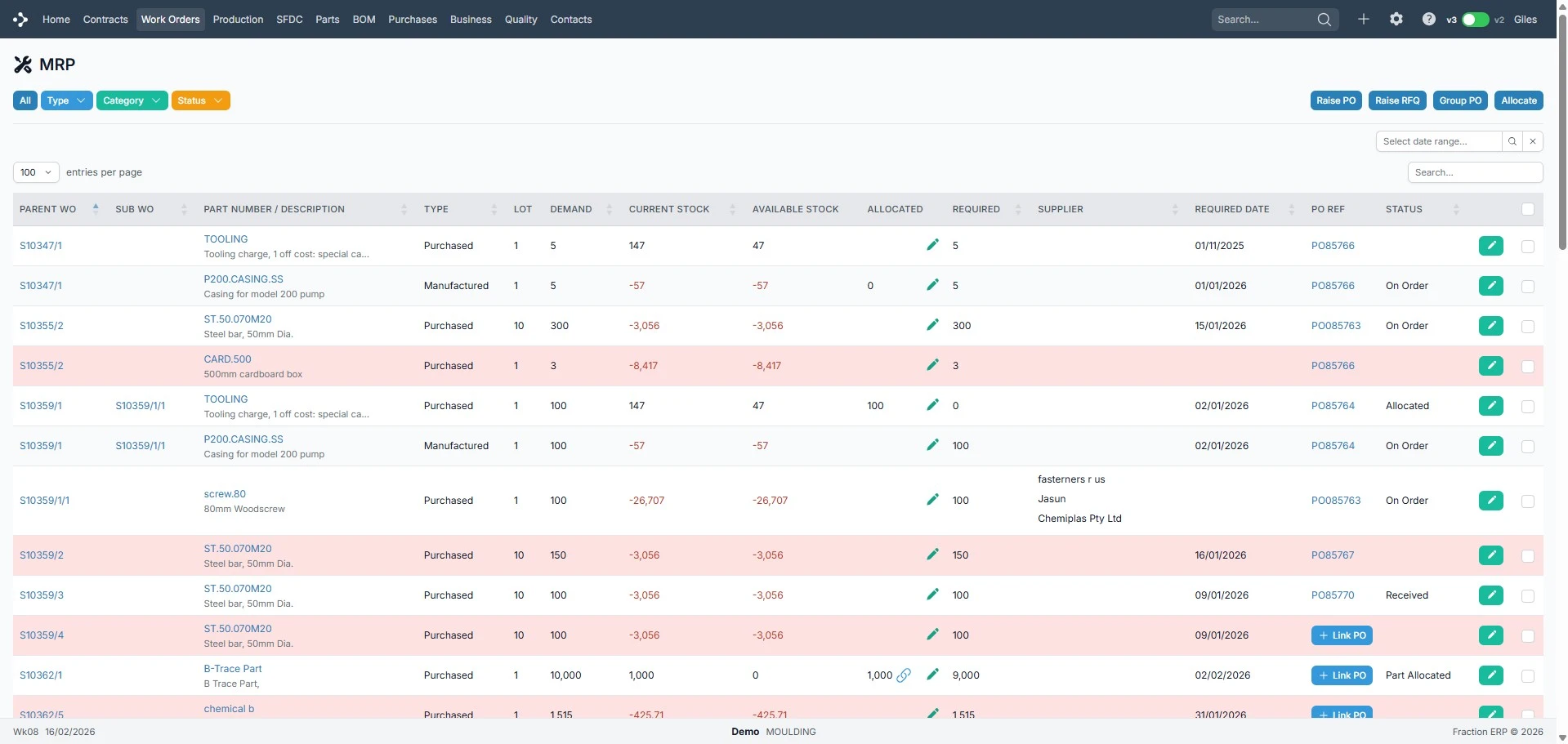
- Sales orders drive demand automatically
- Materials calculated instantly
- Purchase orders generated based on need
- Production and shop floor data update in real time
No manual updates. No disconnected data.
What Actually Changes When You Move Off Excel
Fewer costly mistakes.
No more broken formulas or an edited cell throwing off a whole plan — the numbers are just right, automatically.
Hours back in your week.
Time spent manually updating spreadsheets goes into running the business instead.
Stock you can actually trust.
What the system says is on the shelf is what's on the shelf — no more surprises mid-job.
Deliveries that happen on time.
Real visibility into capacity and materials means fewer last-minute scrambles.
One place to see what's really going on.
No more piecing together the full picture from five different files.
Excel vs ERP for MRP
| Capability | Excel | Fraction ERP |
|---|---|---|
| Automatic calculations | ||
| Real-time data | ||
| Multi-user access | ||
| Integration with production | ||
| Scalable |
Still Using Excel for MRP?
You're not alone — but you may be reaching the limits of what spreadsheets can handle. The next step is not more complex spreadsheets. It's a system designed for manufacturing.