Exception reporting
Overdue jobs, low stock, quality flags and outstanding tasks surfaced in one view — nothing buried in a report.

See every exception, alert and overdue item that needs attention — the moment you open Fraction ERP.
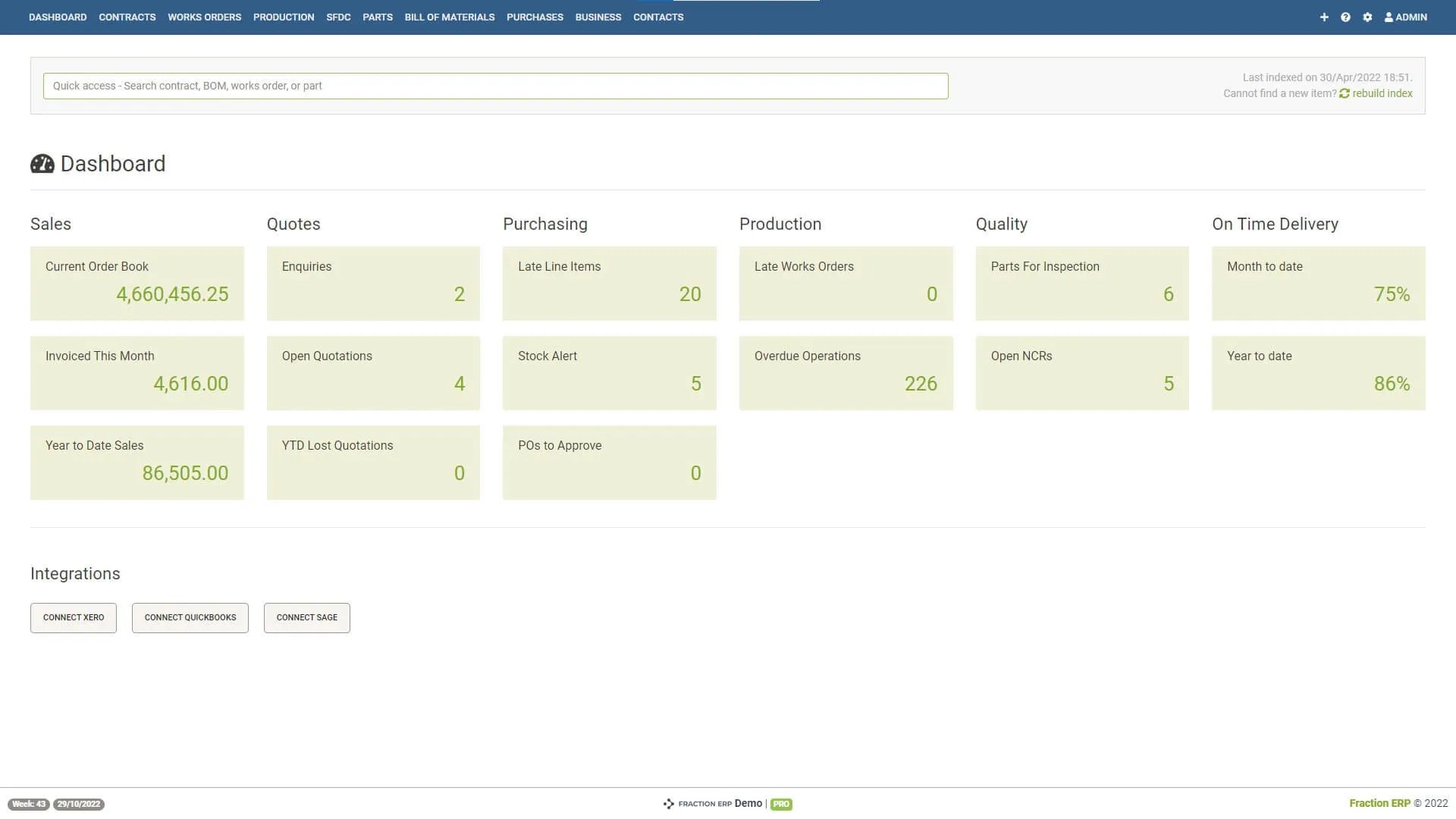
Overdue jobs, low stock, quality flags and outstanding tasks surfaced in one view — nothing buried in a report.
Click any dashboard tile to go straight to the records behind it, without navigating menus.
Open the dashboard, work through the exceptions as a team, close it. That's the whole meeting.
Browser-based, so your operations manager can check the same live data from the office, the shop floor or off-site.
A short walkthrough of how the exception tiles, drill-downs and daily meeting view work in practice.
A closer look at the screens your team will use day to day.
The exception tiles your team opens every morning: late jobs, stock alerts, outstanding POs and quality tasks.

Parts below minimum level, with a direct link to the purchase order screen.
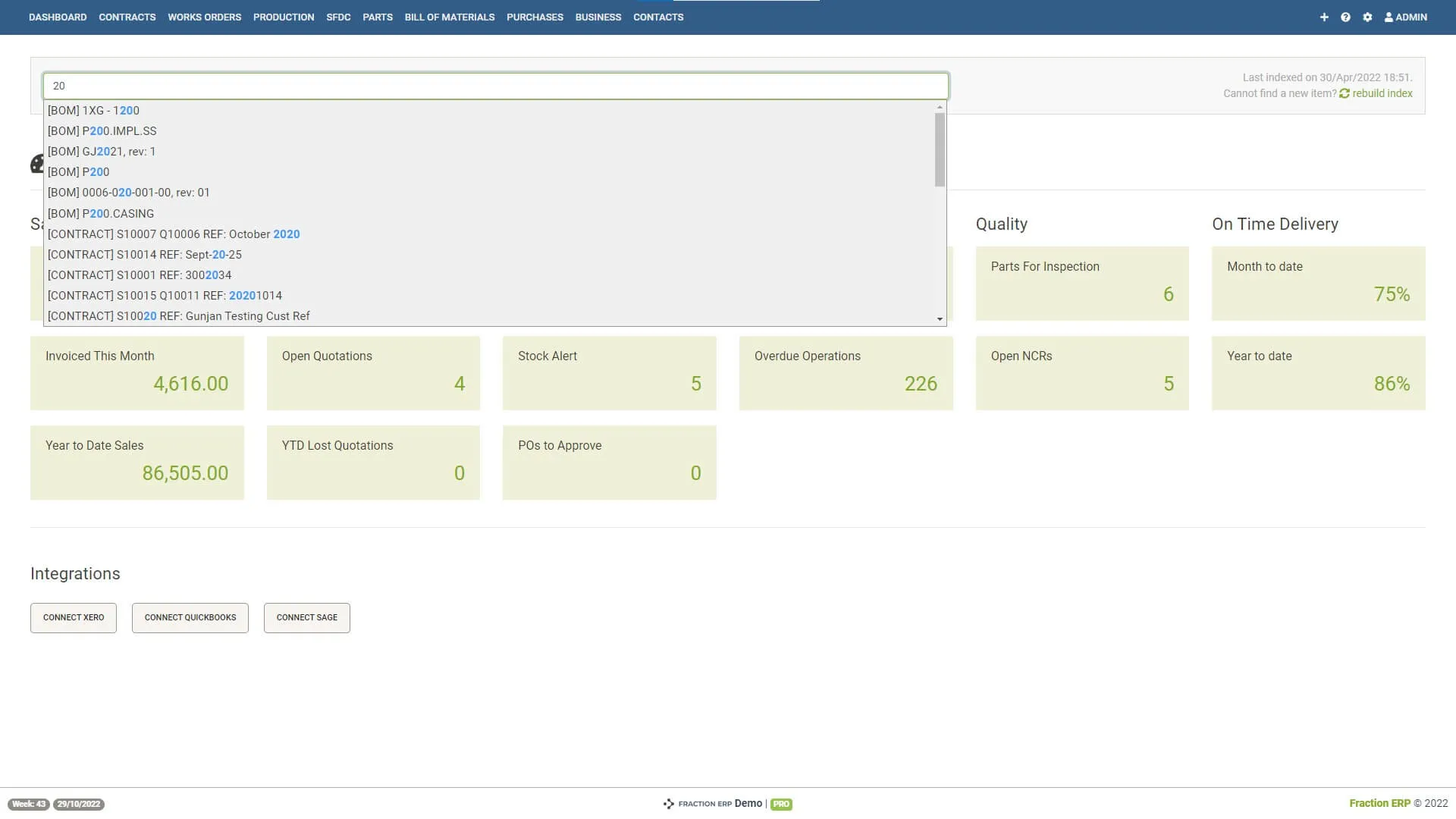
Find any part, contract or order from anywhere in the system without navigating menus.
Book a demo and we'll walk through how exception reporting and daily meeting views would work for your operation.