
MRP in Excel: Why Spreadsheets Break
Using Excel for Material Planning? You're Not Alone.
Many manufacturers start their MRP process in Excel. It seems flexible, familiar, and low cost. But as your business grows, spreadsheets become increasingly difficult to manage — and a source of errors, delays, and frustration.
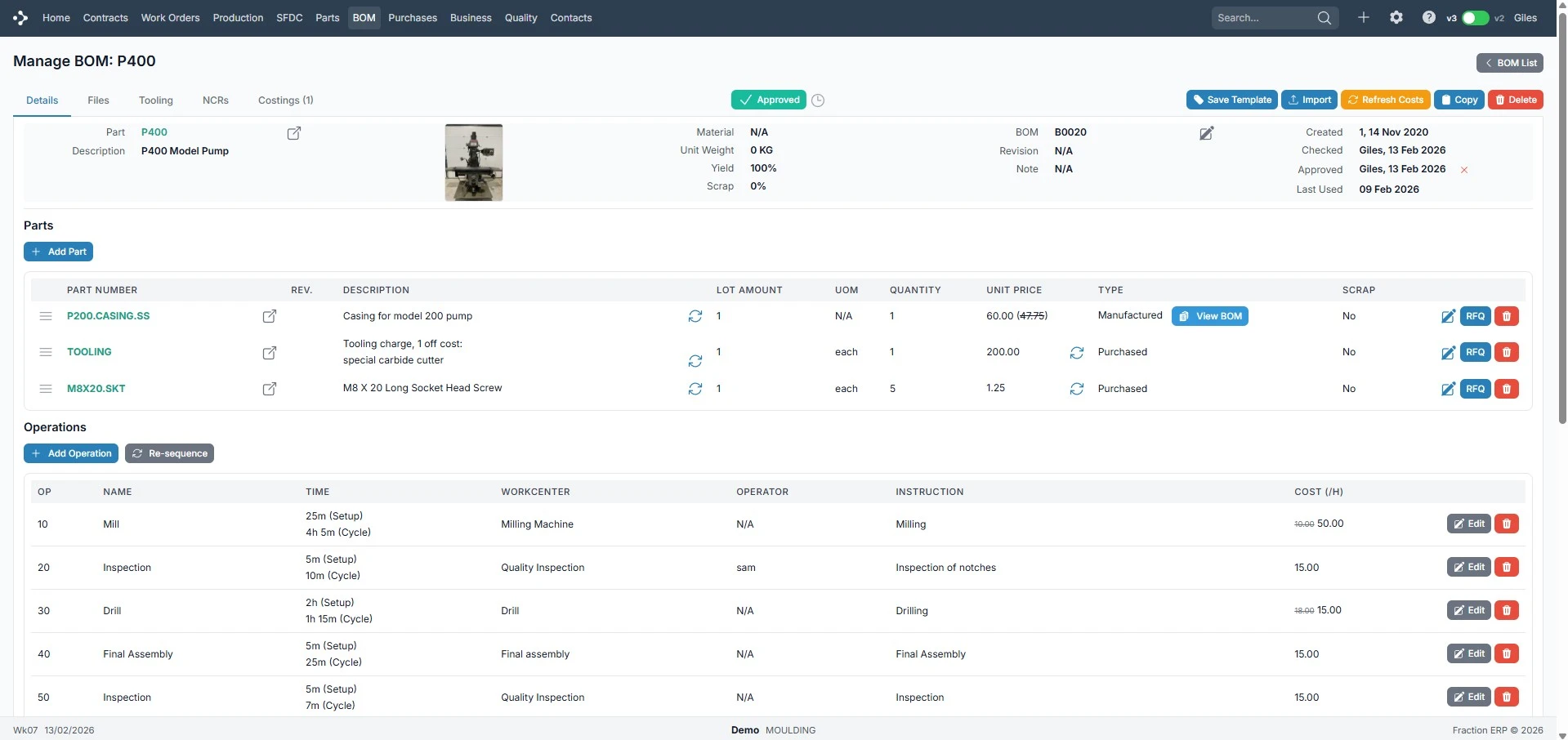
What Does MRP in Excel Typically Look Like?
Most spreadsheet-based MRP systems include:
- Bills of materials (BOMs)
- Stock level tracking
- Demand planning sheets
- Purchase planning tabs
These are linked together with formulas, manual updates, and copy-paste workflows.
At a small scale, this can work. But it does not scale.
The Real Problems with MRP in Excel
Manual Data Entry
Every update requires human input. Sales orders, stock adjustments, and plans all updated manually — creating delays and errors.
No Real-Time Visibility
Spreadsheets are static. Data quickly becomes outdated, teams work from different versions, and there's no live view.
Errors Are Inevitable
Complex formulas, broken links, and incorrect calculations. Even small errors can have major operational impact.
No Connection to Production
Excel doesn't link to production schedules, shop floor activity, or actual progress — creating a disconnect between planning and reality.
Time-Consuming to Maintain
As complexity grows, spreadsheets become harder to manage. Changes take longer and only a few people understand the system.
When Does Excel Stop Working?
MRP in Excel typically breaks when:
- Product ranges increase
- BOMs become multi-level
- Order volume grows
- Multiple people need access
- Real-time decisions are required
At this point, spreadsheets become a bottleneck — not a tool.
From Excel to ERP: A Better Way to Manage MRP
Fraction ERP replaces spreadsheet-based planning with a fully integrated system.
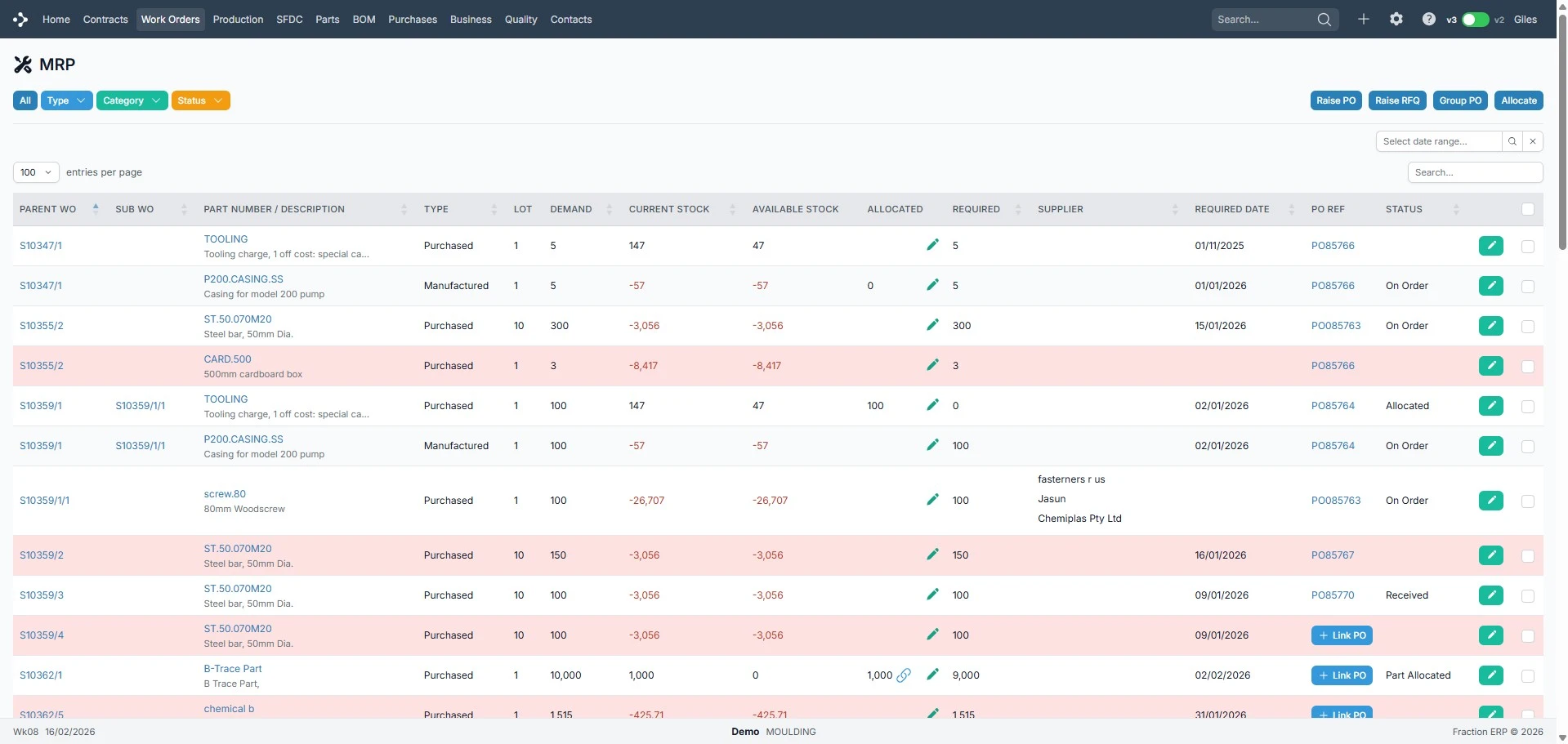
- Sales orders drive demand automatically
- Materials calculated instantly
- Purchase orders generated based on need
- Production and shop floor data update in real time
No manual updates. No disconnected data.
Key Benefits of Moving Away from Excel
Excel vs ERP for MRP
| Capability | Excel | Fraction ERP |
|---|---|---|
| Automatic calculations | ||
| Real-time data | ||
| Multi-user access | ||
| Integration with production | ||
| Scalable |
Still Using Excel for MRP?
You're not alone — but you may be reaching the limits of what spreadsheets can handle. The next step is not more complex spreadsheets. It's a system designed for manufacturing.